TextMonkey: Teaching a Vision-Language Model to Point at the Line It Just Read
Based on: TextMonkey: An OCR-Free Large Multimodal Model for Understanding Document — Yuliang Liu, Biao Yang, Qiang Liu, Zhang Li, Zhiyin Ma, Shuo Zhang, Xiang Bai
Ask most document AI tools "what's the total on this invoice?" and you get a number back. No way to check it, no way to know if the model read row 4 or accidentally grabbed a subtotal from row 7. You just have to trust it.
TextMonkey, a 2024 paper out of Huazhong University of Science and Technology, does something more useful: it answers the question and draws a box around the exact text it used to get there. Ask it to find a word, and it doesn't just say "yes, it's here" — it gives you coordinates. That sounds like a small feature. It's actually a structural bet about how these models should work, and it's the most interesting part of the paper.
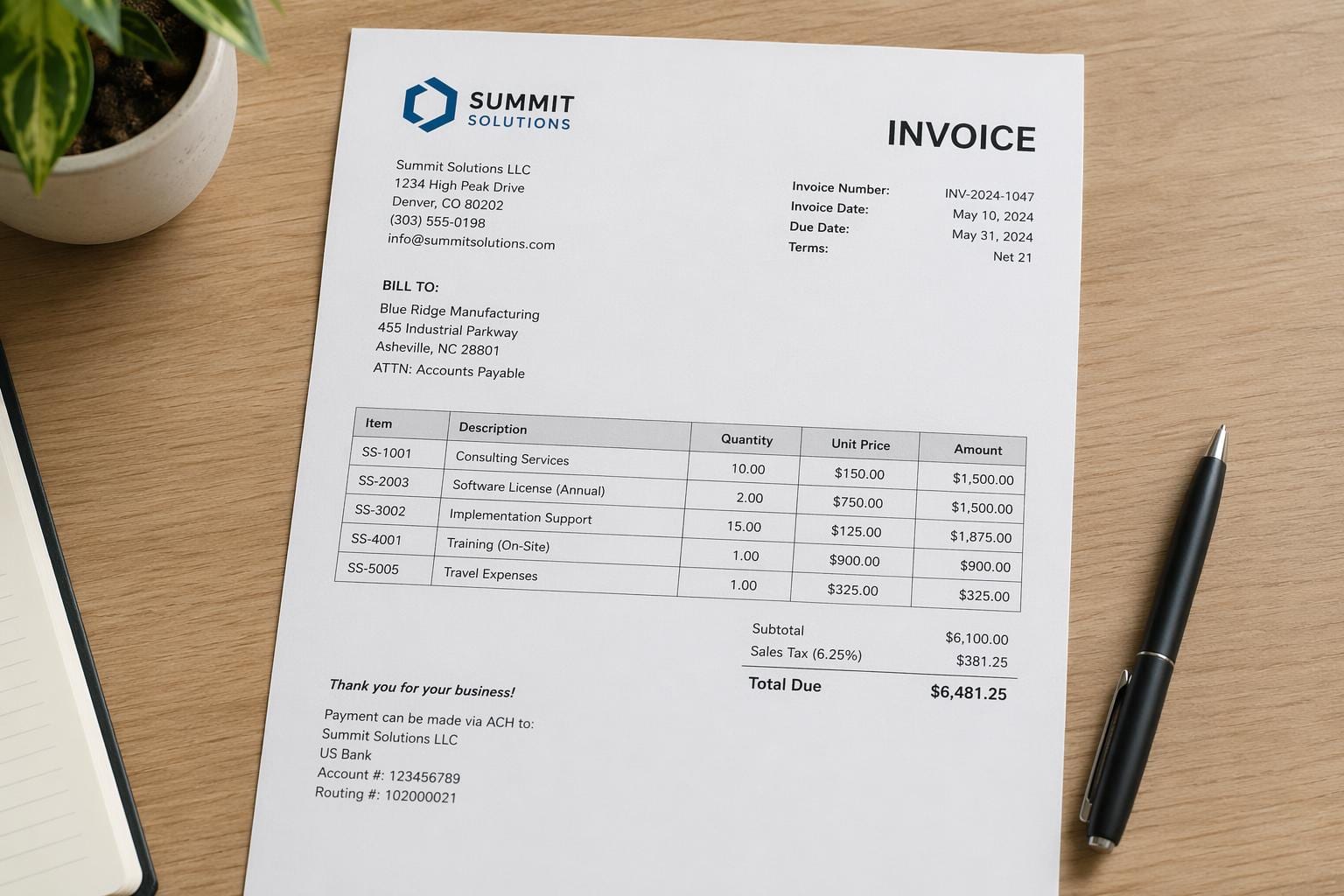
The old way: OCR first, understand second
For years, "reading" a document with AI meant a two-step pipeline. Step one, an OCR engine (Tesseract, or something fancier) converts the pixels into text strings. Step two, a language model reads those strings and answers questions about them.
The problem is that step one is a bottleneck with no memory of the original image. Once OCR turns your invoice into a string of characters, the model has already lost the layout, the table structure, the font size that told you which line was the header, and the visual context that told a human reader "this number is bold and in a box, it's probably the total." If the OCR engine misreads a character or drops a line, the language model never knows anything was lost. It just answers confidently based on bad input.
TextMonkey belongs to a newer family of "OCR-free" models that skip step one. The model looks directly at the document image and generates text, structure, and answers all at once, the same way you'd glance at a receipt and just know the total without consciously transcribing every character first. This isn't a new idea by 2024, but TextMonkey pushes it further on resolution, efficiency, and — the genuinely new part — the ability to point.
Why document images break ordinary vision models
Vision-language models were mostly built and tuned for photos: a dog on a beach, a plate of food, a street scene. Documents are a different beast.
A photo can survive being scrunched down to 224x224 pixels; you can still tell it's a dog. A page of dense financial text scrunched down to 224x224 turns into unreadable mush. Standard vision encoders were built for one resolution regime, and documents need a completely different one: high resolution, because a form field's meaning often hinges on a handful of small characters, and information that's evenly spread across the page rather than clustered in one salient region.
Cranking up input resolution is the obvious fix, but it breaks things elsewhere. Vision transformers process an image by splitting it into small patches and computing attention between them. At higher resolutions there are far more patches, and if each patch only "sees" its own neighborhood, the model loses track of things that span across regions, like a table row that runs from the left edge to the right edge of a wide document. Just increasing resolution without addressing this either misses long-range relationships or gets prohibitively expensive.
How TextMonkey actually reads a page
The paper's approach breaks into a few pieces that work together.
Shifted Window Attention. Instead of processing the whole high-resolution image as one giant attention computation (expensive) or splitting it into isolated non-overlapping windows that can't talk to each other (loses cross-window information), TextMonkey borrows a trick from the Swin Transformer vision architecture: process the image in local windows, then shift the window boundaries in the next layer so that regions which were previously split get grouped together this time. Over several layers, information effectively propagates across the whole image without ever paying the cost of full global attention. The authors add a detail that matters more than it sounds: they zero-initialize this shifted attention mechanism, meaning at the start of training it contributes nothing and gradually ramps up. That keeps early training stable instead of throwing a half-trained cross-window mechanism into the mix and hoping the model doesn't diverge.
Cutting redundant tokens. High-resolution document images at the patch level produce a lot of tokens, and a big chunk of them are redundant. Think of a large blank margin, or the same background texture repeated across dozens of patches. TextMonkey uses a similarity-based filter to identify these low-information tokens and drop them before they hit the expensive parts of the model. The finding worth noting: this isn't just a speed trick. The paper reports that trimming redundant tokens actually improved performance on top of making the model faster, which suggests some of those "extra" tokens were acting as noise rather than signal.
Text spotting and grounding as training tasks. This is the part that produces the pointing behavior. Instead of training the model only to answer questions in free text, the authors also train it to do text spotting (find and transcribe text at specific locations) and grounding (given a phrase, return its bounding box). Crucially, they fold positional information into the model's answers themselves, so when TextMonkey answers "what's the total," the response can include the coordinates of where it read that answer from. That turns an opaque answer into a checkable one.
Screenshot understanding via fine-tuning. The model also picks up the ability to parse UI screenshots (app interfaces, web pages) through targeted fine-tuning, extending the same document-reading skills to a fairly different visual domain: sparse, layout-heavy, icon-and-button-driven rather than dense paragraphs of text.

The numbers, and what they actually mean
TextMonkey was evaluated across 12 benchmarks split into three buckets:
- Scene text-centric tasks (reading text in photos of the real world — street signs, product labels): STVQA, TextVQA, OCRVQA. Improvement: 5.2%.
- Document-oriented tasks (structured documents — forms, infographics, charts, tables): DocVQA, InfoVQA, ChartVQA, DeepForm, Kleister Charity, WikiTableQuestions. Improvement: 6.9%.
- Key information extraction (pulling specific fields out of semi-structured documents — think pulling "vendor name" and "amount due" off an invoice): FUNSD, SROIE, POIE. Improvement: 2.8%.
The document-oriented bucket showing the biggest jump (6.9%) lines up with the paper's own framing: this is where the shifted-window resolution handling and token filtering should matter most, since dense forms and tables are exactly where earlier models lost information at low resolution.
Scene text spotting (finding and reading text scattered across a natural photo, not a clean scan) improved by 10.9%, the largest single number in the paper. That's plausibly the direct payoff of training the model explicitly on spotting and grounding tasks rather than treating localization as an afterthought.
On OCRBench, a comprehensive suite of 29 OCR-related sub-tasks, TextMonkey scored 561, ahead of prior open-source large multimodal models built for document understanding at the time. OCRBench numbers move fast in this field and get outpaced within a year or two, so treat 561 as "state of the art in March 2024" rather than a permanent ranking, but the relative gap over prior open models is still informative about what the architectural choices bought.
Where this still falls short
The paper doesn't dwell on limitations, but a few gaps are worth naming plainly.
The token-filtering step relies on similarity to decide what's redundant, which is a heuristic. It's plausible this occasionally discards a low-frequency but meaningful token, like a small stamp or a faint watermark that only shows up once and doesn't look "similar" to anything else on the page. The paper reports net performance gains, but that's an average across benchmarks, not a guarantee against a specific hard case.
Grounding accuracy is only as good as the underlying reading. If the model misreads a digit, the bounding box it draws will confidently point at the wrong evidence. Grounding buys you verifiability, not correctness. It's a real improvement over "trust me," but it's not proof.
And the benchmarks here are still mostly English-language, mostly Western document formats. Nothing in the paper's abstract suggests testing on multilingual documents, handwriting-heavy forms, or the messier scans that show up in real-world backlogs (skewed, low-contrast, coffee-stained). Clean benchmark performance and messy-real-world performance are correlated, not identical.
Why it matters for anyone building or buying OCR
If you're choosing a document AI engine for a product, the grounding capability here is the thing to pay attention to, more than the raw benchmark numbers. A model that can only output "the total is $482.19" gives you no way to catch it when it's wrong. A model that outputs the number plus a bounding box lets you build a UI where a human reviewer sees the highlighted region and can confirm or reject in a glance, instead of re-reading the whole document. For any workflow involving money, contracts, or compliance, that difference is the difference between "OCR you can spot-check" and "OCR you have to fully trust."
It's also a data point in the broader shift away from OCR-then-parse pipelines toward single models that read and understand in one pass. That shift is showing up across a lot of the models we track, and it changes the calculus for anyone who built infrastructure assuming OCR text extraction and document understanding are separate steps done by separate tools. They increasingly aren't, and the models that skip the handoff are winning on document-heavy benchmarks for a straightforward reason: nothing gets lost in translation between the OCR string and the model that reads it.
The token-efficiency angle matters practically too. If you're running inference at scale, a technique that cuts redundant tokens and improves accuracy at the same time is rare enough to notice: efficiency and quality gains don't usually arrive together, and here they did.